Customers can check what is left on a gift card from a public page. There is no account and no login — the card number is the key.
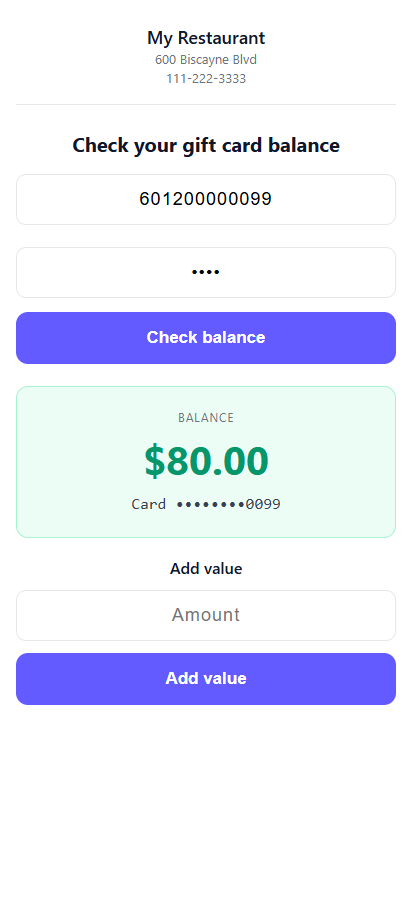
- Open the balance page, from the Check balance link in the gift email or a link you share.
- Enter the gift card number.
- The page shows the remaining amount, the last digits of the card, and an expiry date where there is one.
Only the last few digits of the number are ever displayed, so a customer can check a balance on a screen somebody else can see.
When a card will not check
The page says why: not found, expired, or not a card that can be looked up. "Not found" is most often a mistyped number — a long number read off a printed card is easy to get wrong.
The page has to be published and its address configured before the Check balance button appears in gift emails. See Set up digital gift cards.
PIN and the e-gift page
A card that has a PIN needs it on this page too (Card PINs). An e-gift opened from its email link shows the card number as a barcode to scan at the register (The e-gift page as the card).