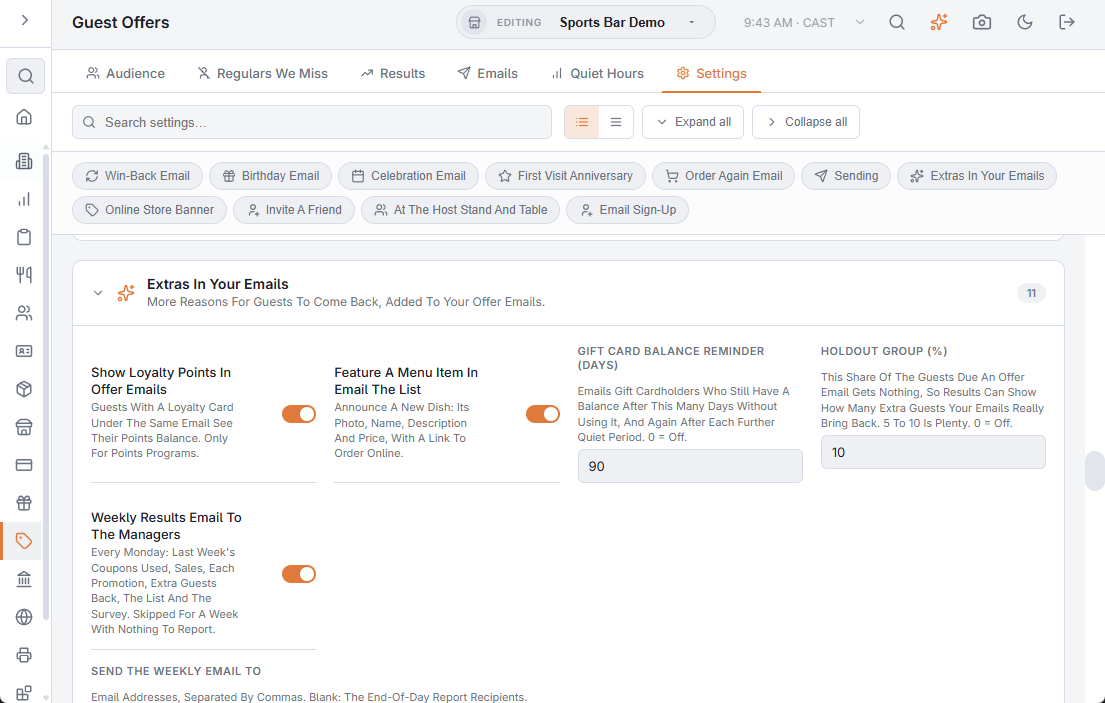
Small additions give guests more reasons to come back. Each one has a switch in Back Office › Discounts & Promotions › Guest Offers › Settings › Extras In Your Emails, so you use only the ones you want.
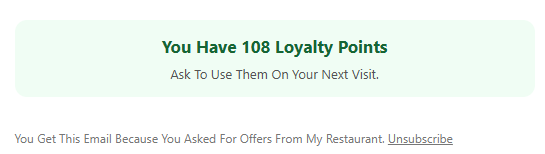
Loyalty points in offer emails
With Show Loyalty Points In Offer Emails on (the default), guests who have a loyalty card under the same email see their points balance in every offer email: “You Have 1,250 Loyalty Points”. Nothing shows for guests without a card, or when your loyalty program isn’t a points program.
Feature a menu item
Announce a new dish or a seasonal special. With Feature A Menu Item In Email The List on (the default), the Email The List card on the Quiet Hours tab has a Feature A Menu Item list. Pick an item and the email shows its photo, name, description and price, with an Order Online button when you have an online store.
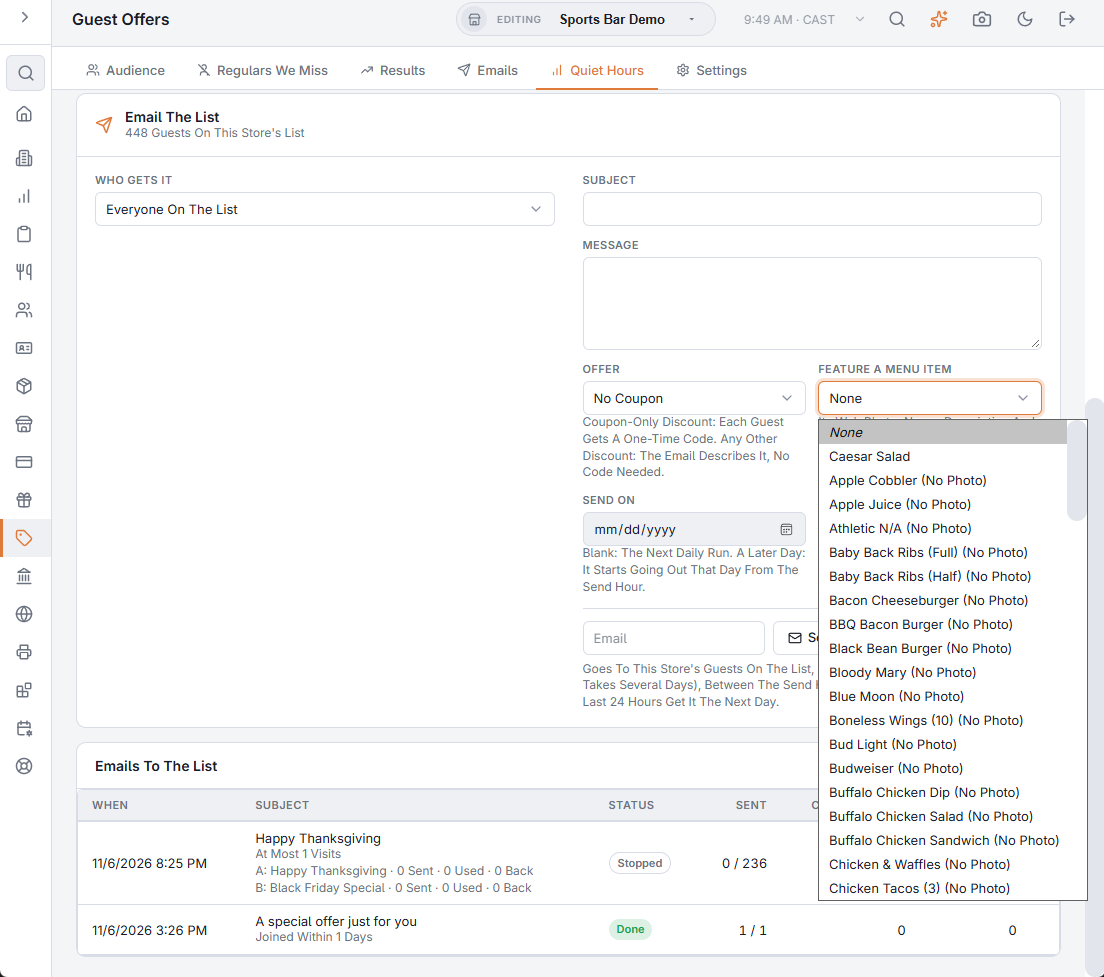
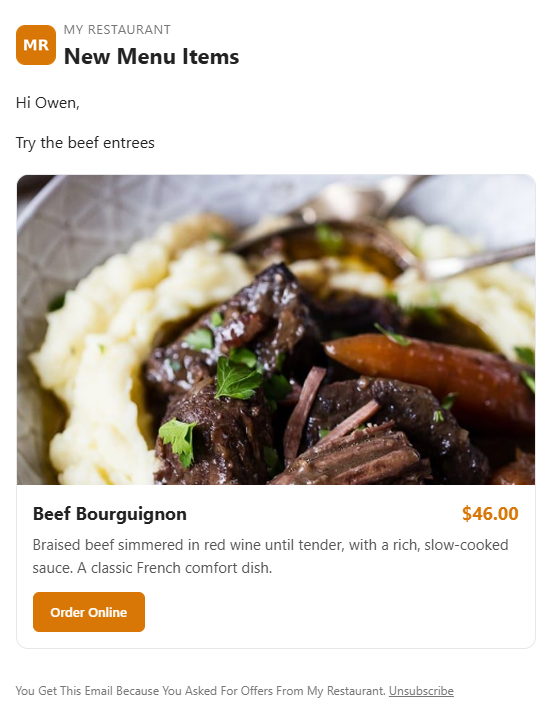
- The photo is the item’s web image; items with one are listed first, and the others are marked No Photo.
- The description and price are the item’s web description and web price, when it has them.
- Send A Test shows the item too, so you can check it before sending.
Gift card balance reminder
Gift Card Balance Reminder (Days) emails gift cardholders who still have money on their card after that many days without using it, and again after each further quiet period. It uses the card’s email or the e-gift recipient’s. 0 turns it off.
The same section also holds the holdout group, the weekly results email and the cart reminder.
Coupon reminders and the best send time
The same section also reminds guests before an unused coupon ends and can send each automatic email at the guest’s best time. See Guest offers: coupon reminders and the best send time.