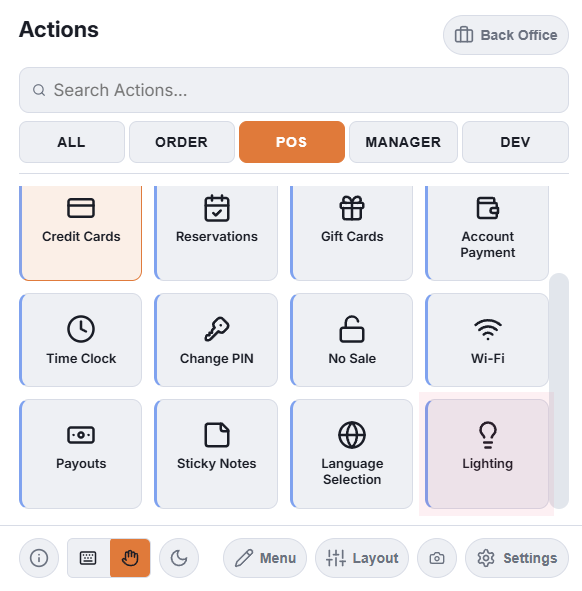
Open More › Lights (in the POS group of the More menu).
What is on it
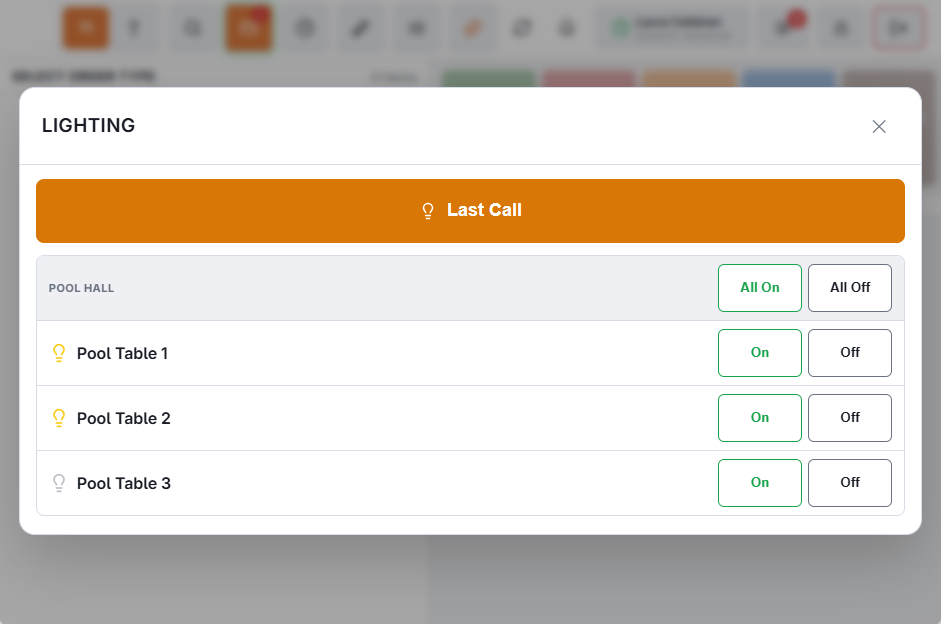
- Last Call — the large orange button at the top, shown when at least one light is marked for Last Call. See Last Call.
- One box per zone, with All On and All Off when the zone has more than one light. Lights without a zone are listed last under Other Lights.
- On and Off for each light.
- A status line after each command: how many lights it went to, or why it did not go.
The bulbs
Yellow: last switched on. Dim: last switched off. Faint: never switched from CloudPos. The bulb is what CloudPos last sent, not a reading, so a light switched at the wall still shows its last CloudPos state.
Who can use it
- Managers always see Lights.
- Anyone else needs the Light Control permission on their job (Manager Screen group in the permission editor) — for example the bartender who calls last call.
- The server checks the permission too, not just the menu.
Table lights that follow a pool timer need no permission: they switch for whoever starts or stops the game. See Table lights that follow the timer.