In counter and fast-food service someone assembles each order — the burger from the grill, the fries, the drink from the counter — and hands it over. The Bagging (Whole Order) display is that person’s screen.
What it shows
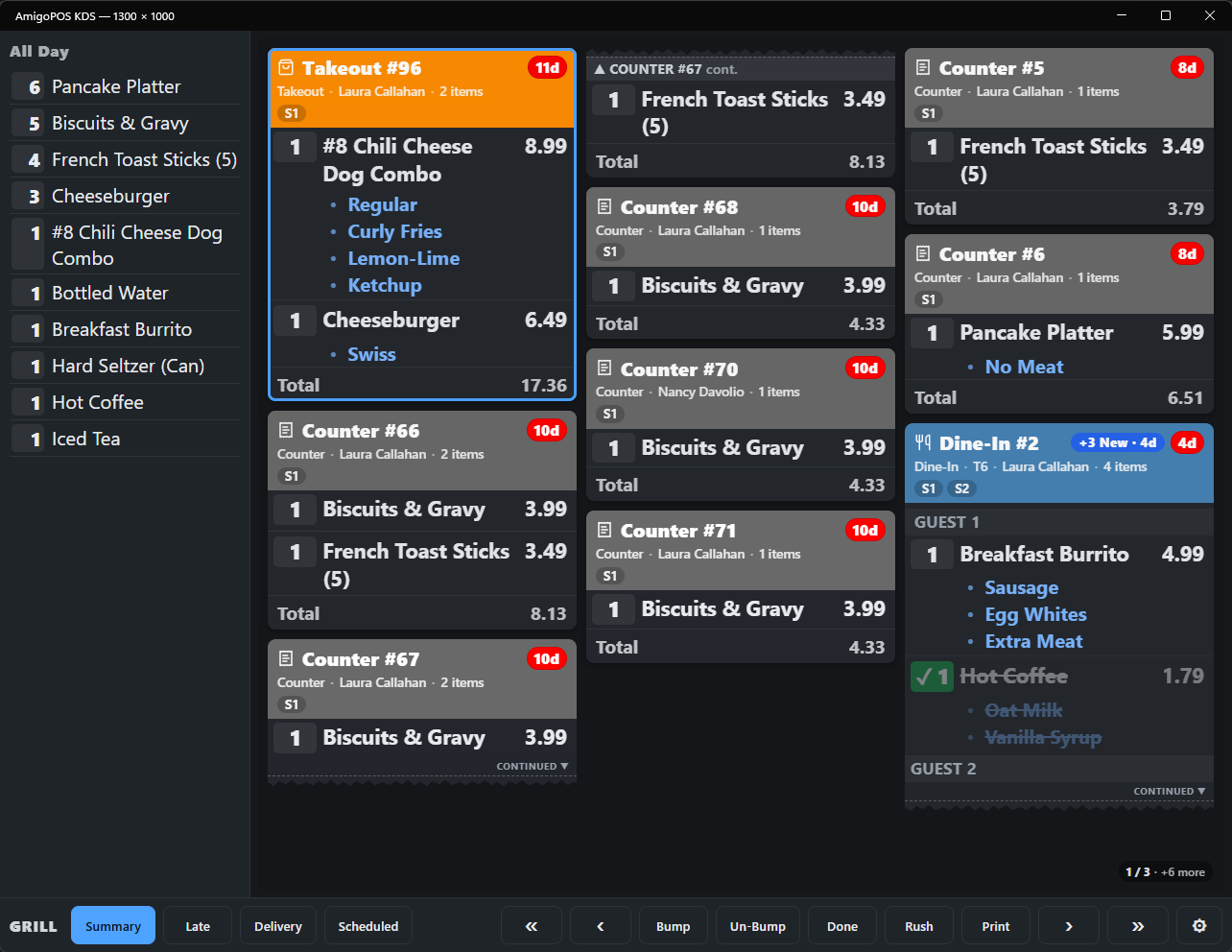
- Every line of every order, including items no kitchen station makes, such as drinks or desserts added at the counter.
- A line dims with a green ✓ once the station that makes it has bumped it. The per-station chips from the expeditor view show what is still cooking.
- Orders the POS has marked as picked up drop off.
Using it
Bag the order, then bump it — bumping here means bagged and handed over. Print On Bump works on this screen too, for example to print the receipt or labels for the bag (see Printing from the KDS). With an order status screen set to Bagging Or Expo Has Bumped It, the order moves to Ready when it is bumped here.
Setting it up
On the display, open ⚙, set Display Role to Bagging (Whole Order) and save. The station selection is not used; the screen follows every station, like the expeditor display.