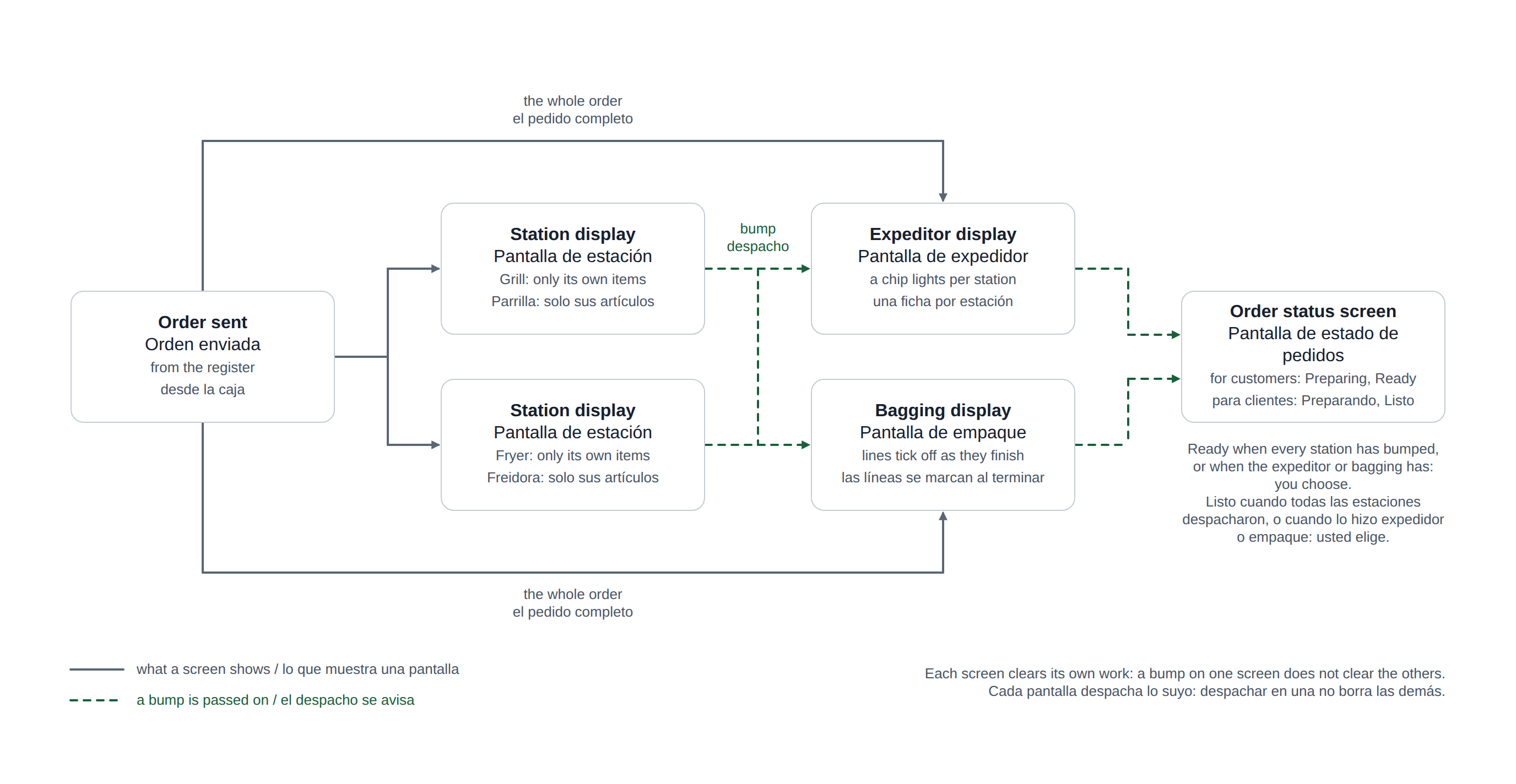
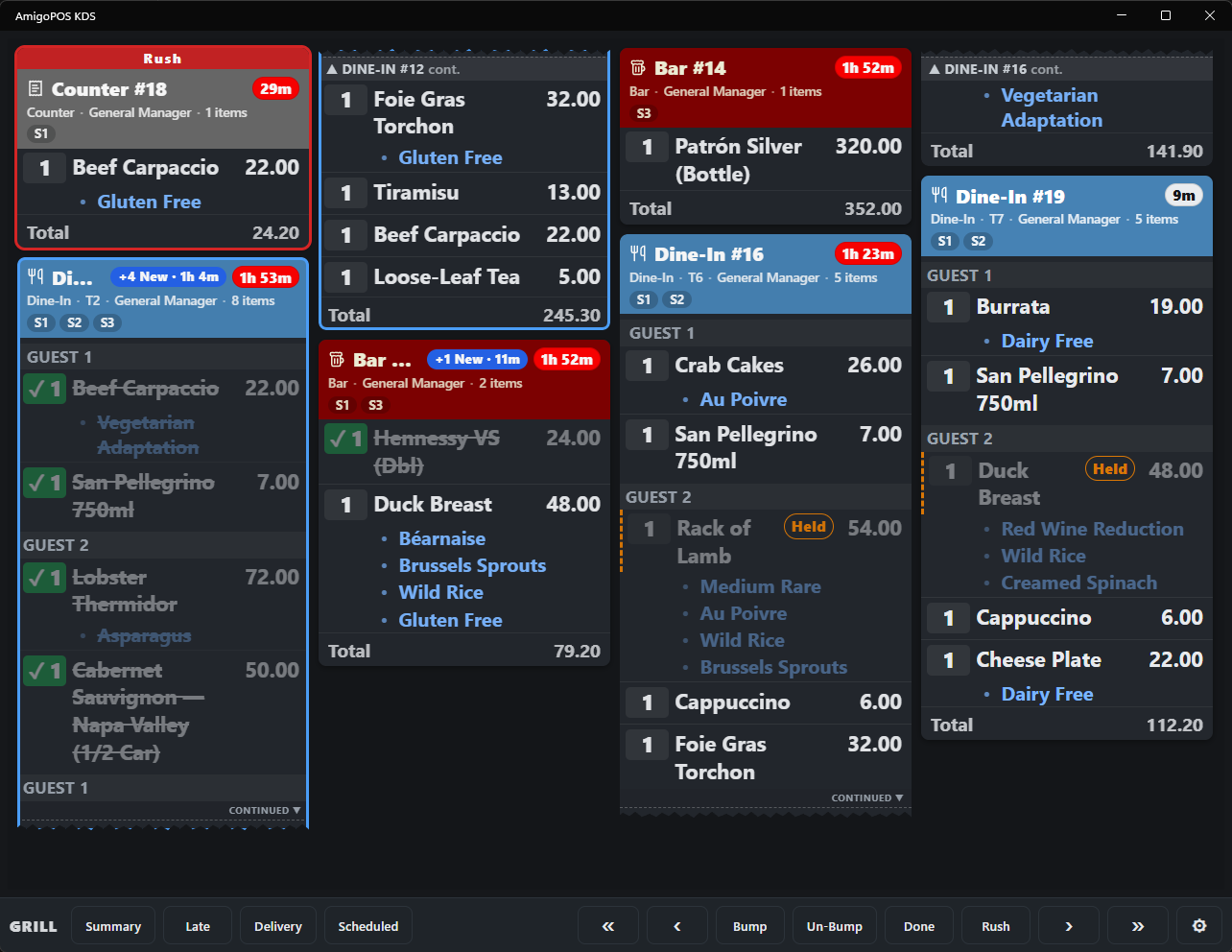
A station display shows only the items routed to its prep stations. An expeditor display shows every order in full, whatever stations it touches, and tracks what each station has finished — the screen for the pass.
In one picture: where the expeditor display sits among the other screens.
Setting a screen as expeditor
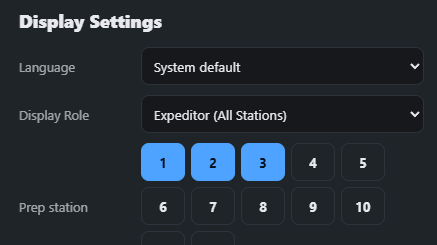
In KDS settings set Display role to Expeditor. The prep station picker no longer applies; the screen receives everything.
Reading an expeditor card
- The card carries a row of station chips, one per prep station that has items on the order.
- A chip lights up when that station bumps the order — whether by bumping the card or by striking its last item. It updates the moment the station bumps, on every expeditor screen.
- When every chip is lit the card shows READY: everything is plated and the order can go.
Bumping on the expo
Bumping on the expeditor screen clears the order from the expo only. It does not bump it on the stations, and a station bumping does not clear the expo; each screen tracks its own work. Rush, recall and the Done tray behave as on any other screen.
Related roles
For counter service where someone assembles each order, the bagging display shows every line of the order, including items no station makes. A customer-facing order status screen can move orders to Ready when the expeditor or bagging screen bumps them.