Back Office › Web Orders › Basic Info holds what the online ordering site says about the store — name, contact details, address and social links — plus its legal pages, its analytics, its time zone and currency, and the Popular badge on the menu. Changes take effect on the site when you select Save. If the save fails, Save failed is shown and your changes stay on the page, unsaved.
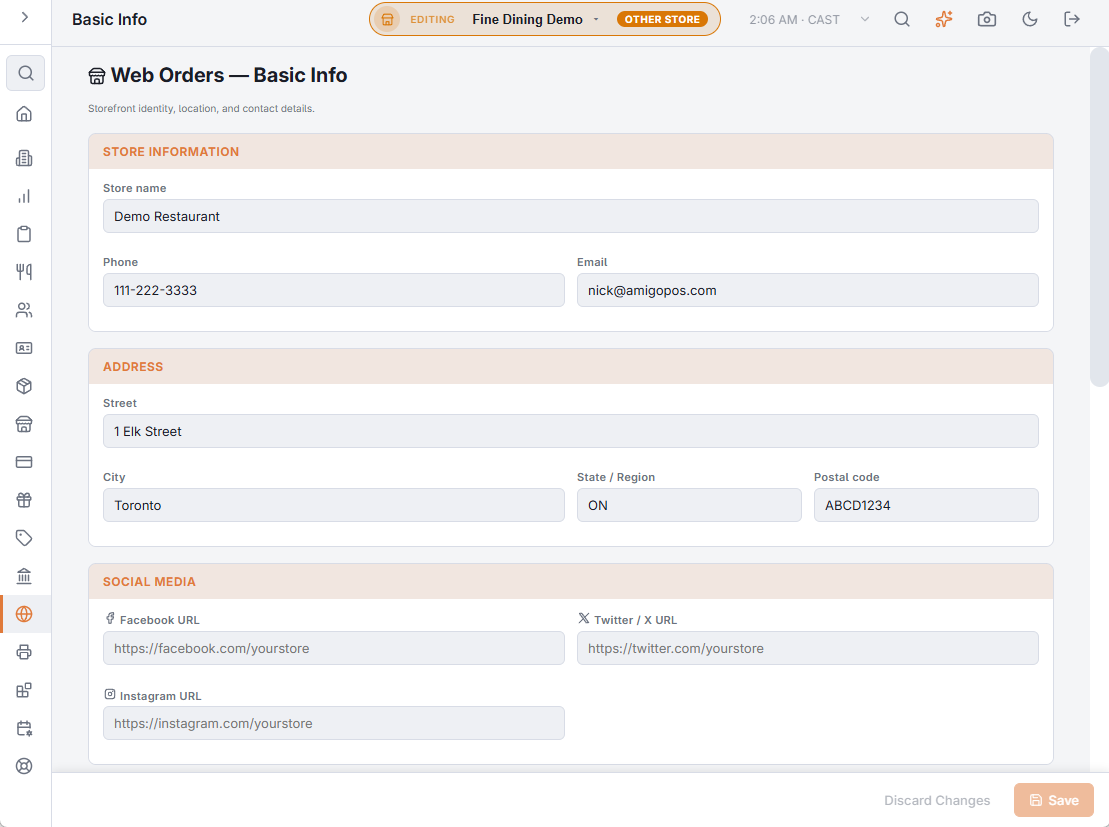
Store information and address
- Store name, Phone and Email — shown on the site and in the footer. The phone is the number customers call about an order, so make it one someone answers.
- Street, City, State / Region and Postal code — the address shown to customers who pick up.
Social media
Facebook URL, Twitter / X URL and Instagram URL appear as icons in the site’s footer. Leave a box empty to leave its icon out.
Legal Pages
The site has a Privacy Policy page (/privacy) and a Terms and Conditions page (/terms), linked from its footer. Sign in to the site as a manager to write each page’s text, then switch it on here with Show The Privacy Policy Page and Show The Terms And Conditions Page. A page that is off is not shown to customers.
Analytics
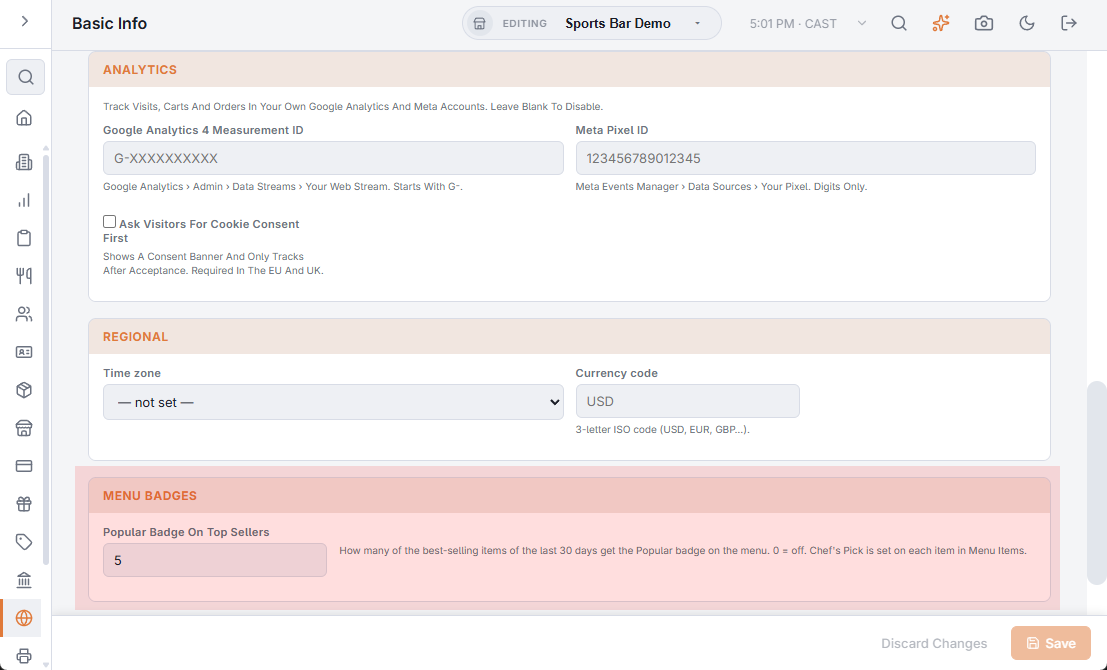
Track visits, carts and orders in your own Google Analytics and Meta accounts. Leave both boxes empty to track nothing.
- Google Analytics 4 Measurement ID — from Google Analytics › Admin › Data Streams › your web stream; it starts with G-. See Google Analytics 4 for your ordering site.
- Meta Pixel ID — from Meta Events Manager › Data Sources › your pixel; digits only. See Meta Pixel for Facebook and Instagram ads.
- Ask Visitors For Cookie Consent First — shows a consent banner and tracks only after the visitor accepts. Required in the EU and the UK.
Regional
- Time zone — the site’s clock: business hours, open and closed, scheduled times and ready times are worked out in it. When it is not set, the site uses UTC.
- Currency code — the 3-letter ISO code (USD, EUR, GBP…) online card payments are charged in and order emails show. Empty means USD.
Menu badges
Popular Badge On Top Sellers sets how many items get a Popular badge on the online menu: the store’s best sellers of the last 30 days among the items on the web menu. The default is 5; 0 turns the badge off.
- Sales from every channel count — the register, the call center and the web — by quantity sold. Voided orders, voided lines and modifiers don’t.
- The ranking is worked out at most once an hour, so a change can take up to an hour to show.
- Chef’s Pick is set on each item instead — see Menu items (prices, SKUs, buttons).