Back Office › Activity › Shifts & End of Day › End Shift Log and Back Office › Activity › Shifts & End of Day › End of Day Log list every end shift of a banked employee and every End of Day run at the register. Each row keeps the report text exactly as it was produced at the time, so you can read or reprint last Saturday’s close without anything being recalculated.
End Shift Log
One row for each end shift run in Shift Banking for a banked server or driver. See Shift banking overlay.
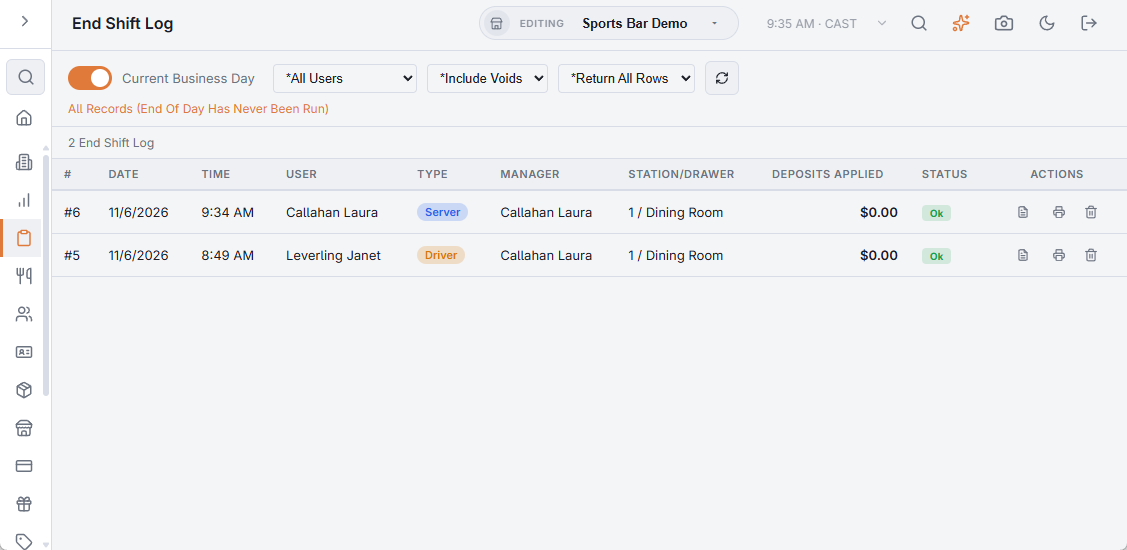
The toolbar
- Current Business Day — on when the page opens. It lists the end shifts that no End of Day has archived yet. The line under the toolbar says when the last End of Day ran.
- Date Range — turn the switch off to pick a start and an end date. The range opens on the last seven days. Each day runs from the store’s business day start time to the same time the next day. The line under the toolbar shows the exact start and end.
- All Users — pick an employee to see only their end shifts.
- Include Voids, Exclude Voids, Voids Only — show or hide entries marked Voided.
- Return All Rows or Top 100, 500, 1000 or 2000 — limits how many rows come back. The newest entries come first.
- Update Results (the refresh button) — loads the list again. The switch reloads at once; other changes wait for this button.
Columns
| Column | What it shows |
|---|---|
| #, Date, Time | The log entry number and when the end shift ran, in store time. |
| User | The employee whose shift was ended. |
| Type | Server or Driver. |
| Manager | Who ran the end shift. |
| Station/Drawer | The station and drawer the end shift was run on. |
| Deposits applied | The deposits the employee made during the shift that the end shift took into account. |
| Status | Voided once deleted from Back Office; Archived once an End of Day has closed it; otherwise Ok. |
On a row, View Report opens the end shift report and Print prints it on the receipt printer assigned to this station. Delete asks Delete Entry #{number}? This Cannot Be Undone. and then marks the entry Voided. The row stays in the list, struck through, and its Delete button goes. Choose Exclude Voids to hide it.
End of Day Log
One row for each End of Day run at the register. See Running end of day.
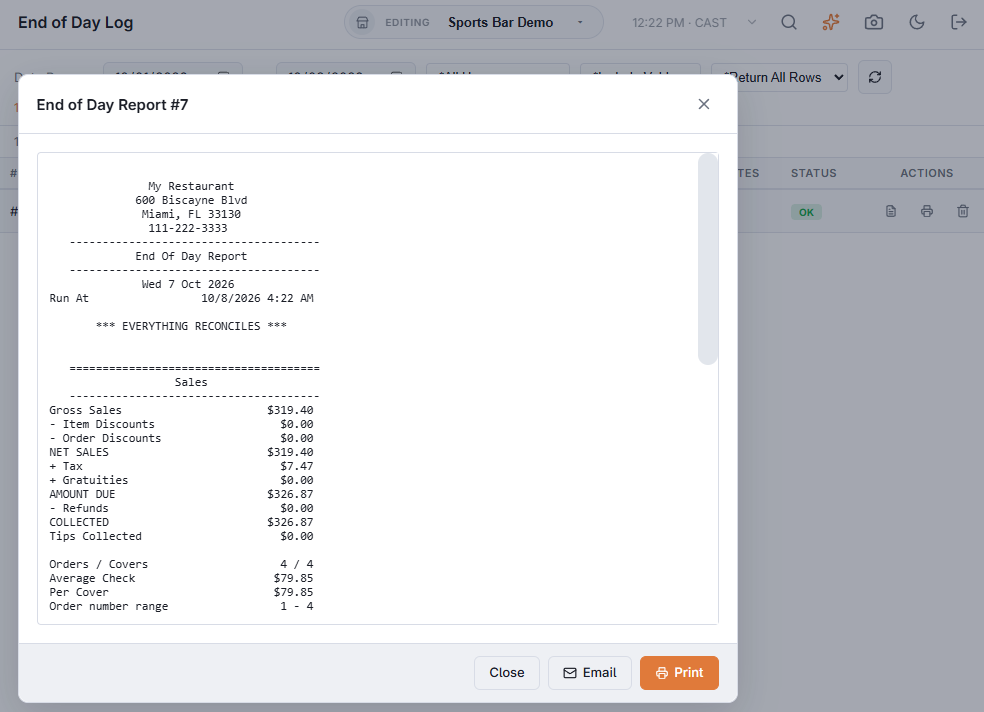
The toolbar
This page has no Current Business Day switch. It always shows a Date Range, which opens on the last seven days, with the newest End of Day first.
- All Users — pick an employee to see only the End of Day runs they made.
- Include Voids, Exclude Voids, Voids Only — show or hide entries marked Voided.
- Return All Rows or Top 100, 500, 1000 or 2000, and Update Results — as on the other logs.
Columns
| Column | What it shows |
|---|---|
| #, Date, Time | The log entry number and when the End of Day ran. |
| User | Who ran the End of Day. |
| Event, Weather, Temperature | What the manager picked on the End of Day screen. Not specified when nothing was picked. |
| Notes | The notes typed at the End of Day. |
| Status | Voided or Ok. |
On a row, View Report opens the End of Day report slip and Print prints it on this station’s receipt printer. Delete asks Delete Entry #{number}? This Cannot Be Undone. and then marks the entry Voided. The row stays in the list, struck through, and the business day stays closed. Choose Exclude Voids to hide it.
On both pages, Delete needs the Void Records, Delete Records or Manager Screen permission. Without one, the page shows The Entry Could Not Be Deleted.
The events in the Event list are set up in Back Office › Store Setup › Manager Screen, on the Special Events tab.
Viewing, printing and emailing a report
View Report opens the stored text over the list, titled End Shift Report or End of Day Report with its number. Its buttons:
- Print — prints the report on the receipt printer assigned to this station. A message says Print job sent, or No receipt printer is assigned to this station.
- Email — opens a Report email recipients box, filled in with the addresses in Report email recipients on the End Of Day tab of Manager Screen. Change them if needed, separating several with commas (ten at most), and press Send. The email contains the text of the report on screen, with no attachment. The page shows Email Sent., or Email Could Not Be Sent — Check The Recipient Addresses when an address is not valid. Cancel closes the box.
- Close — closes the report. Clicking outside it does the same.
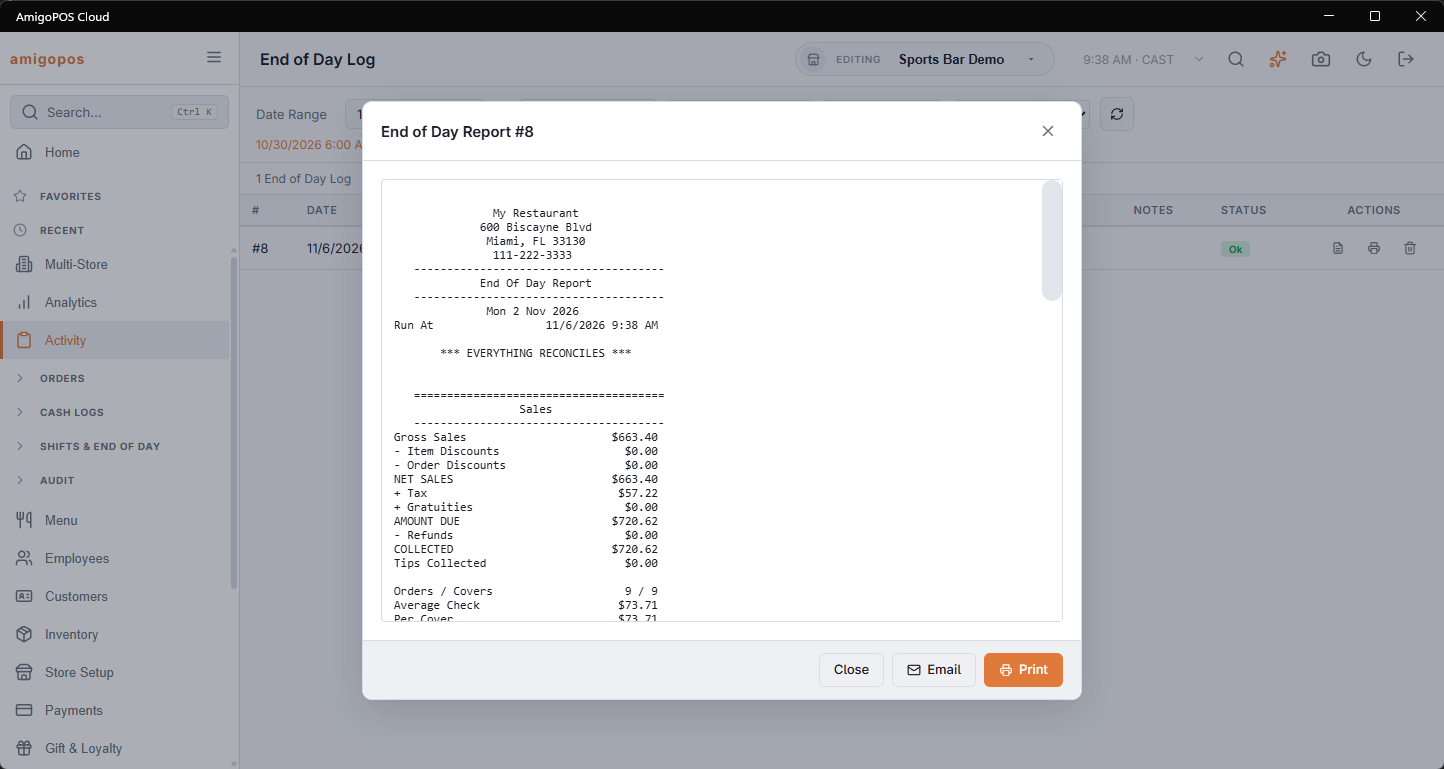
The end-of-day report
The text in the End of Day Log is the slip printed at the close. The full closing document for a day — with its tie-out checks, PDF and CSV — has its own page: The end-of-day report.
Related: Employee banking and deposits, Where the cash is: settle to deposit to EOD.
One row per close
Each row in the End of Day Log is one run of End Of Day. A close covers everything since the one before it, so after a day that was skipped one row holds more than one day’s trade, and a business day that was closed twice has two rows. The End of Day Report page shows such a day as one report. See Running end of day.