CloudPos can switch lights through network relays — small Wi-Fi or wired switches an electrician fits on a lighting circuit. With them you can:
- Turn the lamp over a pool table on when a game starts and off when it ends.
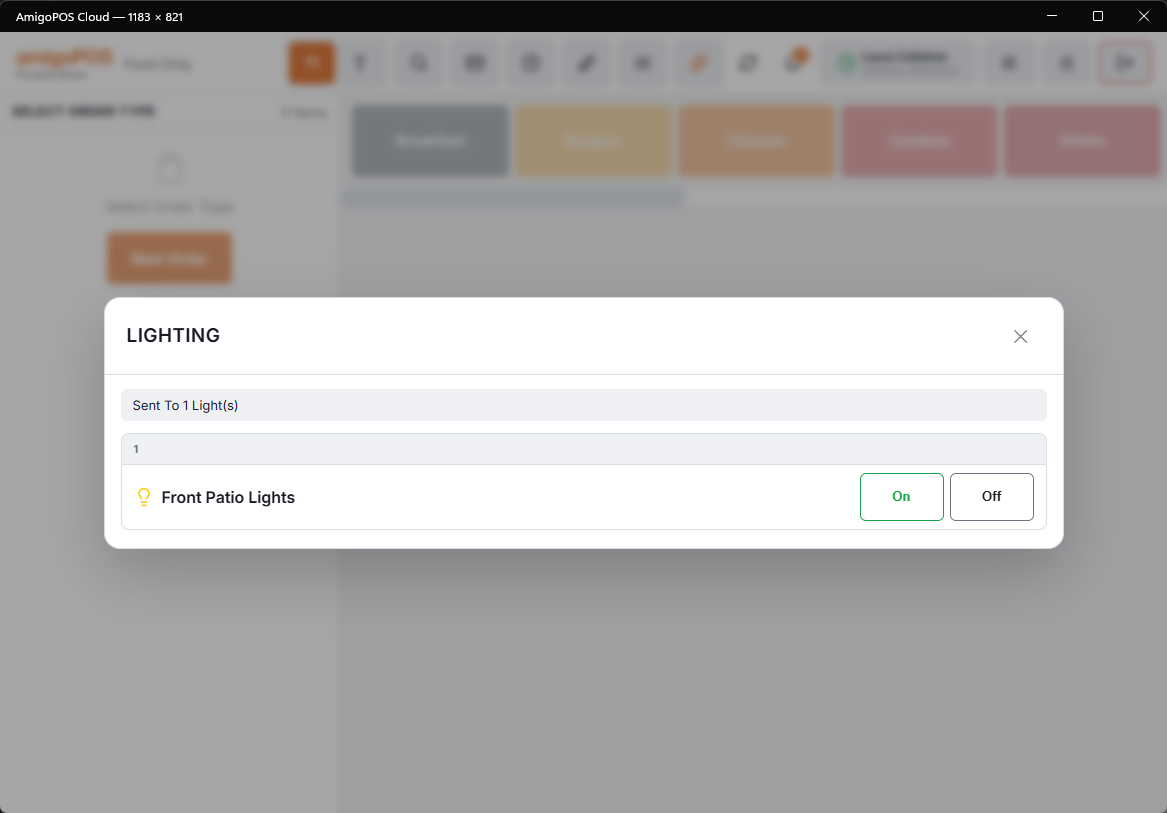
- Switch any light or group of lights (zones) on and off from the POS.
- Run Last Call: flash the room lights for a moment, the classic bar signal.
How it works
- You add the relays and lights in Back Office › Hardware & Printing › Lighting.
- A command — a tap on the POS, a timer starting — goes to the CloudPos server.
- The server works out the exact commands and sends them to the store’s Print Agent.
- The Print Agent, on the store’s own network, switches the relays.
The Print Agent is the only thing that talks to the relays, and only on the local network. The CloudPos server never contacts them, so the relays do not need to be reachable from the internet — and should not be.
Not tied to any brand
CloudPos has ready-made settings for Shelly (older and newer models) and Tasmota, and a Custom type for anything else that switches with a web address — relay boards and most smart switches. Buy what is sold locally. See Choosing relays and wiring safely.
Setting it up, in order
- Choose and install the relays (an electrician for anything on mains power).
- Add the relay devices and pick the Print Agent that runs them.
- Add the lights and zones and test each one.
- Optional: Last Call, table lights and the POS Lights panel permission.
Only switch circuits meant for it. Never put emergency or exit lighting on a relay.