Back Office › Activity › Audit › Security Log lists what happened to sign-ins, accounts and devices across the business: the registers, the call center, Back Office (in the app and on the web), staff phones, the AmigoPOS website, the apps and online ordering. Use it to answer “who signed in, from where”, “was that account locked” or “is someone trying to guess something”.
Only managers can open it.
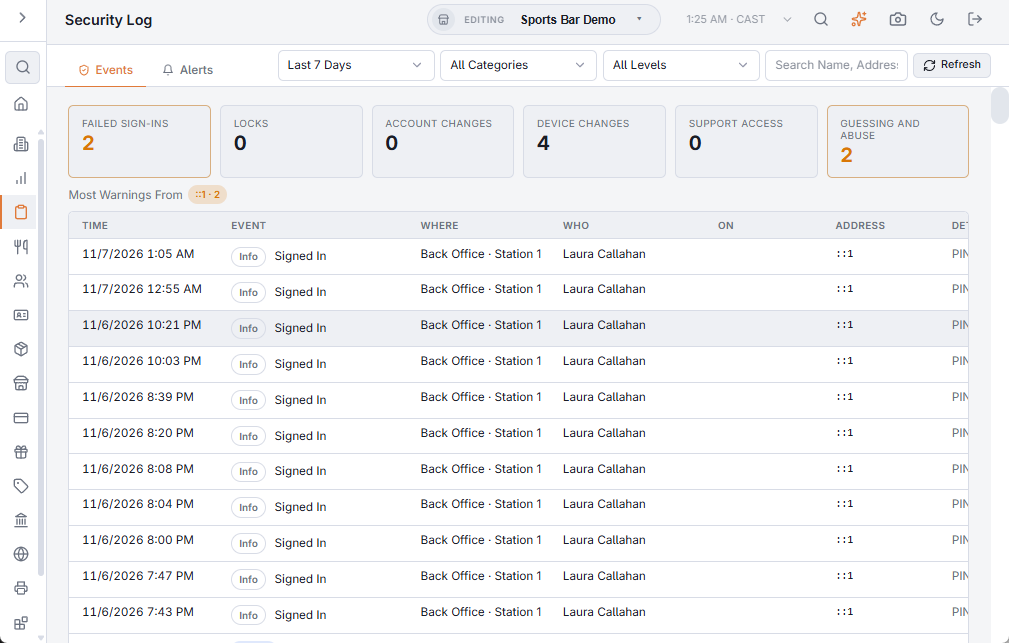
What it records
- Sign-In — successful and failed sign-ins (PIN, password, two-factor code), accounts locked after failures, tries while locked, locks lifted, sign-ins with an account name that does not exist, and sign-ins with a recovery code.
- Accounts — password changed or reset, sign-in email changed, two-factor sign-in turned on or off, new recovery codes, accounts created, deleted, locked or unlocked, account access changed and passwords set by an administrator.
- Employees And Jobs — employees added, changed, deleted or restored; a PIN, password, card or iButton changed (that it changed, never the value); jobs and their rights changed.
- Overrides And Support — manager overrides approved or refused, and AmigoPOS support working in your data.
- Devices — devices activated, deactivated or given a new role, wrong activation codes, and a device asking for something its role does not allow.
- Cards And Codes — wrong gift card PINs, gift cards locked, unknown card numbers and unknown promo codes typed online.
- Abuse and Payments — too many requests from one address, refused online payment confirmations and declined online card payments.
Reading the page
Across the top:
- The range: Last 24 Hours, Last 7 Days, Last 30 Days or Last 90 Days.
- All Categories or one category, and All Levels, Notices And Above, Warnings And Above or Alerts Only.
- Search Name, Address Or Details, and Refresh.
The tiles count the range: Failed Sign-Ins, Locks, Account Changes, Device Changes, Support Access and Guessing And Abuse. Click a tile to list only those events; change any filter at the top to see everything again.
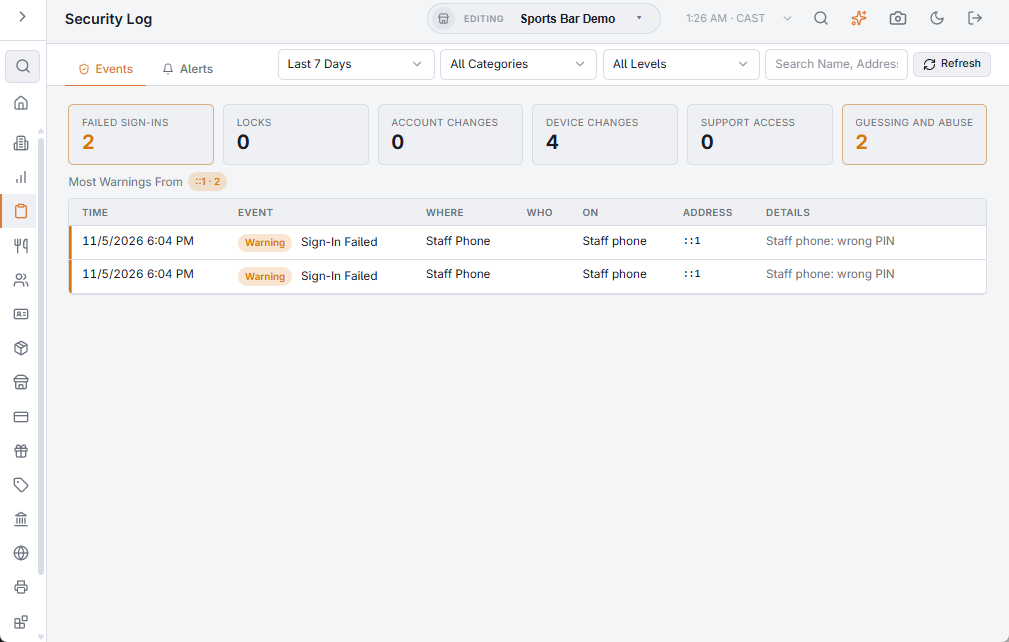
Each row shows:
- Time — in the store’s time.
- Event and its level: Info, Notice, Warning or Alert.
- Where — Register (with the station), Call Center, Back Office, Staff Phone, App Sign-In, Website, Online Ordering or Server.
- Who did it, and On whom or what (the employee, account, device or card).
- Address — the internet address it came from.
- Details.
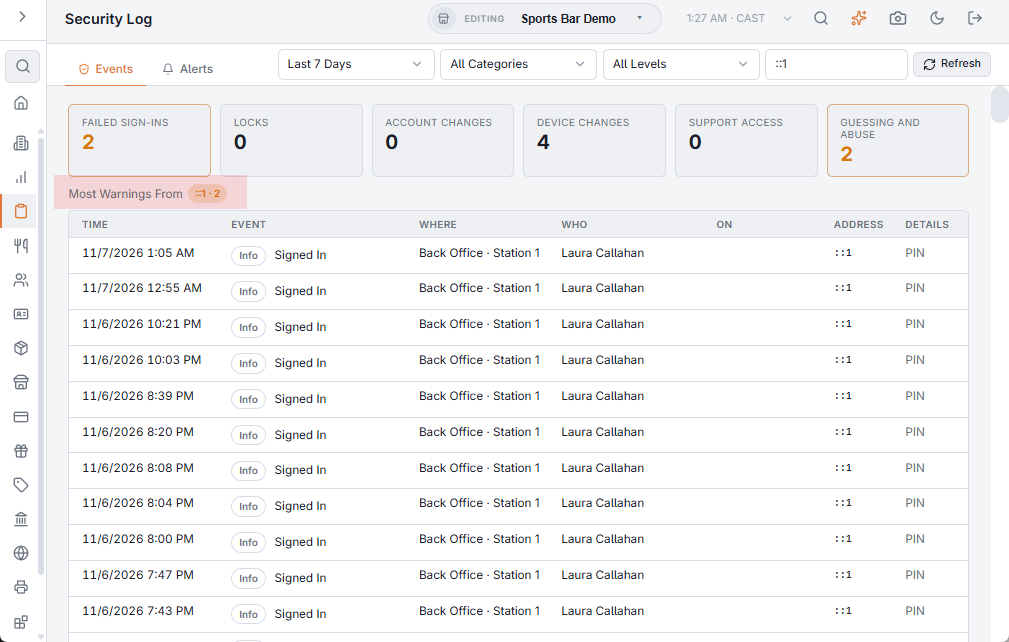
Most Warnings From lists the addresses behind the most warnings in the range. Click one to search for its events.
Which stores you see
A manager who works in one store sees that store’s events, plus the business’s account events (website and app accounts belong to the business, not to a store). A manager with access to all stores sees every store.
What to look for
- Many failed sign-ins from one address, or for many different names — someone guessing. A lock that follows is the system stopping it.
- A sign-in, password change or two-factor change nobody remembers — change that account’s password and sign it out everywhere (Signing out everywhere).
- A device activated that you did not set up — deactivate it in Registered Devices.
- A burst of declined online card payments — someone may be testing stolen cards on your online ordering.
The most important of these also reach managers as an alert, without opening the page: Security alerts.